
Mistral launches Voxtral 3 voice agents with limits on phone access
Voxtral 3 packages speech and tool use for conversational apps. Implementation guides reveal consequential differences between browser and phone deployments, including enterprise-only telephony, inbound calls and no live transfer to a person.
In this article
- Quick answers
- A voice-agent toolkit with separate routes to deployment
- The SDK takes on the conversation pipeline
- A browser assistant still needs a secure application
- Phone support has a narrower launch boundary
- A fast first sound is not a finished answer
- Existing audio integrations face concrete changes
- Sources & method
Quick answers
What does the new voice SDK handle?
It coordinates audio capture, transcription, a reasoning model, tools and spoken playback. Developers supply the application, instructions and business integrations.
Can anyone connect it to a phone number?
It requires enterprise access arranged through Mistral's team. The telephony guide lists inbound calls only and no live transfer to a person.
What does a browser deployment require?
A TypeScript client, a backend that keeps the API key and creates sessions, microphone access over HTTPS or localhost, and authentication protecting session creation.
The practical takeaway
The SDK handles speech coordination; developers still supply authenticated business integrations, with different tool requirements for browser and phone deployments.
A voice-agent toolkit with separate routes to deployment
Mistral released Voxtral 3 on October 20, pairing new speech models with a software development kit for live voice agents. Developers can build conversational services around transcription, a reasoning model, tools and spoken replies. Phone deployment has narrower conditions: Mistral's documentation reserves it for enterprise customers.
The launch lists voice-agent API rates of $0.04 per minute with Mistral Small 4 for reasoning, or $0.08 with a larger model. It advertises European, US and global API endpoints; running the full stack on premises or in a private cloud requires contacting Mistral. Those API rates do not establish a complete telephone-service cost.
The SDK takes on the conversation pipeline
The practical addition is coordination. Mistral's overview describes an SDK that captures speech, transcribes it, obtains a model response and plays synthesized audio. It also handles people interrupting the agent. Python and Node.js applications can use the SDK, while the browser implementation uses TypeScript.
Developers can still assemble separate transcription, chat and speech services, but then own the audio transport, delays and turn handling themselves. With the SDK, they instead configure the agent's behavior and integrations. A saved agent holds instructions, model choices, voice and tool declarations; each conversation runs as a separate session.
Saved configurations are versioned, and sessions can pin a version. Our reading is that this lets a support team keep an established configuration in service while trying a revised one.
A browser assistant still needs a secure application
Mistral's browser guide requires a backend to create sessions with the API key. The page receives connection credentials and streams audio directly to Mistral. Microphone access needs HTTPS or localhost. Keeping the key off the page is only one boundary: the guide also requires the application's own authentication on the session-creation route and warns against relying on browser tool handlers for authorization.
Tools determine what the assistant can accomplish. Mistral runs built-in search, document retrieval and workspace connectors on its side; connectors requiring authentication must already be authenticated. Custom functions instead execute in the developer's application and return results to the model.
Consider a hypothetical order-status assistant. A custom function could fetch a delivery record from the application's backend, then let the model explain it aloud. Saving that function's declaration does not save its executable handler: the application must attach the handler when opening a session. Without it, the SDK reports a failed tool call. A conversational front end therefore still depends on working business integrations.
Phone support has a narrower launch boundary
The telephony guide says customers bring their phone number and calling system, which forwards calls to Mistral using SIP, a standard for internet calling. Setup goes through Mistral's team rather than a self-service console.
There is also a material documentation conflict. The October 20 announcement describes agents answering and placing calls; the telephony guide inspected on October 21 lists inbound calls only. Outbound availability therefore needs clarification. Separately, the guide explicitly says the agent cannot transfer a call to a person.
Phone sessions cannot execute client-side functions, either. The order-status example would require an integration supported by the phone service; its browser-side custom handler cannot run there. Our assessment is that a browser demonstration does not establish that the same agent can run a complete telephone support workflow.
A fast first sound is not a finished answer
Mistral's launch advertises sub-second conversational turns. Its latency documentation adds a more useful distinction: model processing time excludes the network and application work, while the caller experiences the entire sequence from finishing a sentence to hearing a reply.
That sequence includes detecting the end of the speaker's turn, transcription, reasoning, any tool call and speech generation. The documentation says tool calls are often the longest wait because they depend on another service. Short spoken fillers can cover the silence while a lookup runs, but do not make the result arrive sooner.
For the hypothetical delivery lookup, an immediate acknowledgment and the actual delivery date are different milestones. Mistral recommends measuring both first sound and useful answer; a fast acknowledgment alone cannot substantiate a fast completed task. We have not measured either.
Existing audio integrations face concrete changes
The Voxtral 2 migration guide identifies changes beyond replacing model names. Word-level timestamps are removed: requesting them returns a 400 error, while segment timestamps remain. Realtime transcription settings must be supplied before the first audio chunk; later updates produce an error event.
Speech generation adds inline emotion tags while continuing to accept earlier preset voices. The guide says the latest TTS alias will move to Voxtral 3 within a month of general availability. Its deprecation-timeline section supplies no retirement date, so it does not establish how long older-model access will continue. Existing integrations need to account for the documented behavior changes without assuming an unstated access window.
Sources & method
AI-assisted reporting from Mistral's announcement, dated news index and implementation documentation, with original analysis. We have not run the SDK, placed calls or independently tested performance. The article identifies a conflict between the launch's outbound-calling claim and current telephony guidance.
- Mistral: Voxtral 3Published October 20, 2026
- Mistral: News index dating the Voxtral 3 releaseAccessed October 21, 2026
- Mistral Docs: Voice agentsAccessed October 21, 2026
- Mistral Docs: Tools for voice agentsAccessed October 21, 2026
- Mistral Docs: Browser (TypeScript) guideAccessed October 21, 2026
- Mistral Docs: Telephony (SIP)Accessed October 21, 2026
- Mistral Docs: Audio latencyAccessed October 21, 2026
- Mistral Docs: Migrate from Voxtral 2Accessed October 21, 2026
Source pages reviewed October 21, 2026. Analysis and suggested evaluation methods are AI Toolcast’s own.
This article contains no sponsored placement or affiliate links.
Found a possible error? How to report a correction.
Keep reading
Claude Code Review leaves preview with adjustable review depth
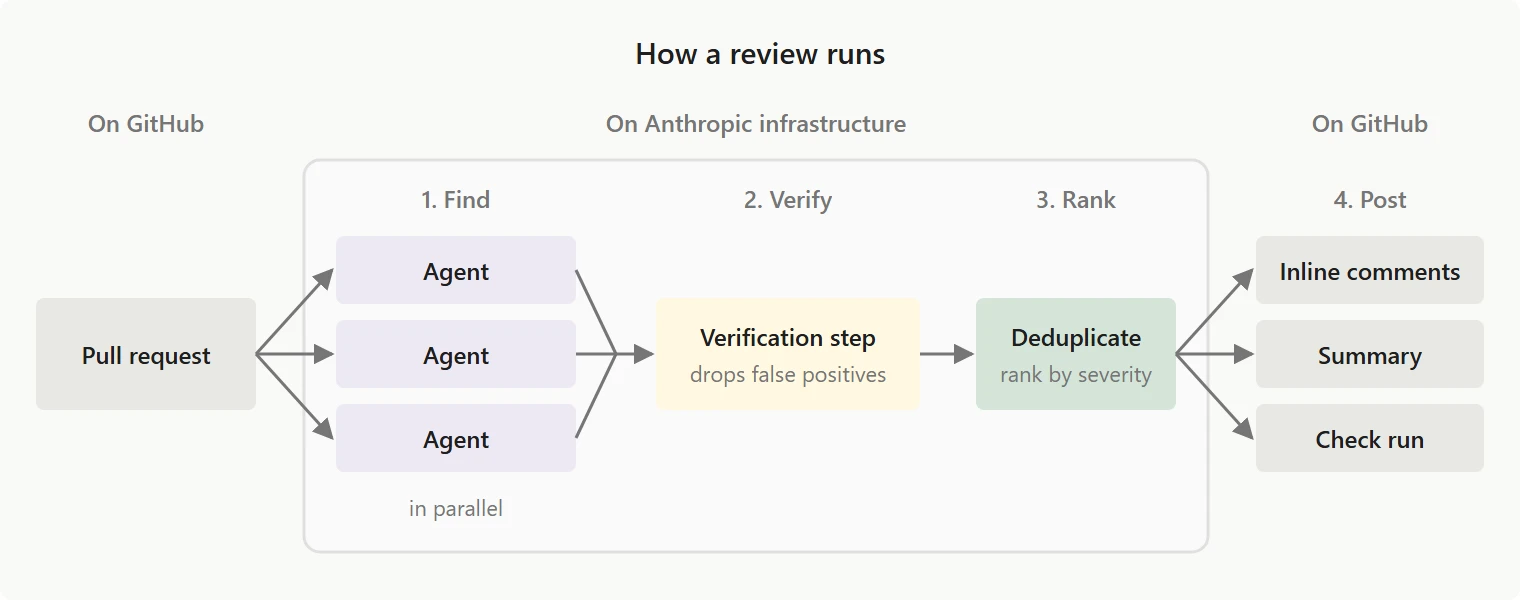
Anthropic's hosted pull-request reviewer has left preview. Repository-level depth controls give teams more choice, while review frequency, eligibility restrictions and separate billing shape the rollout decision.
GitHub’s agentic autofix reaches general availability for security alerts
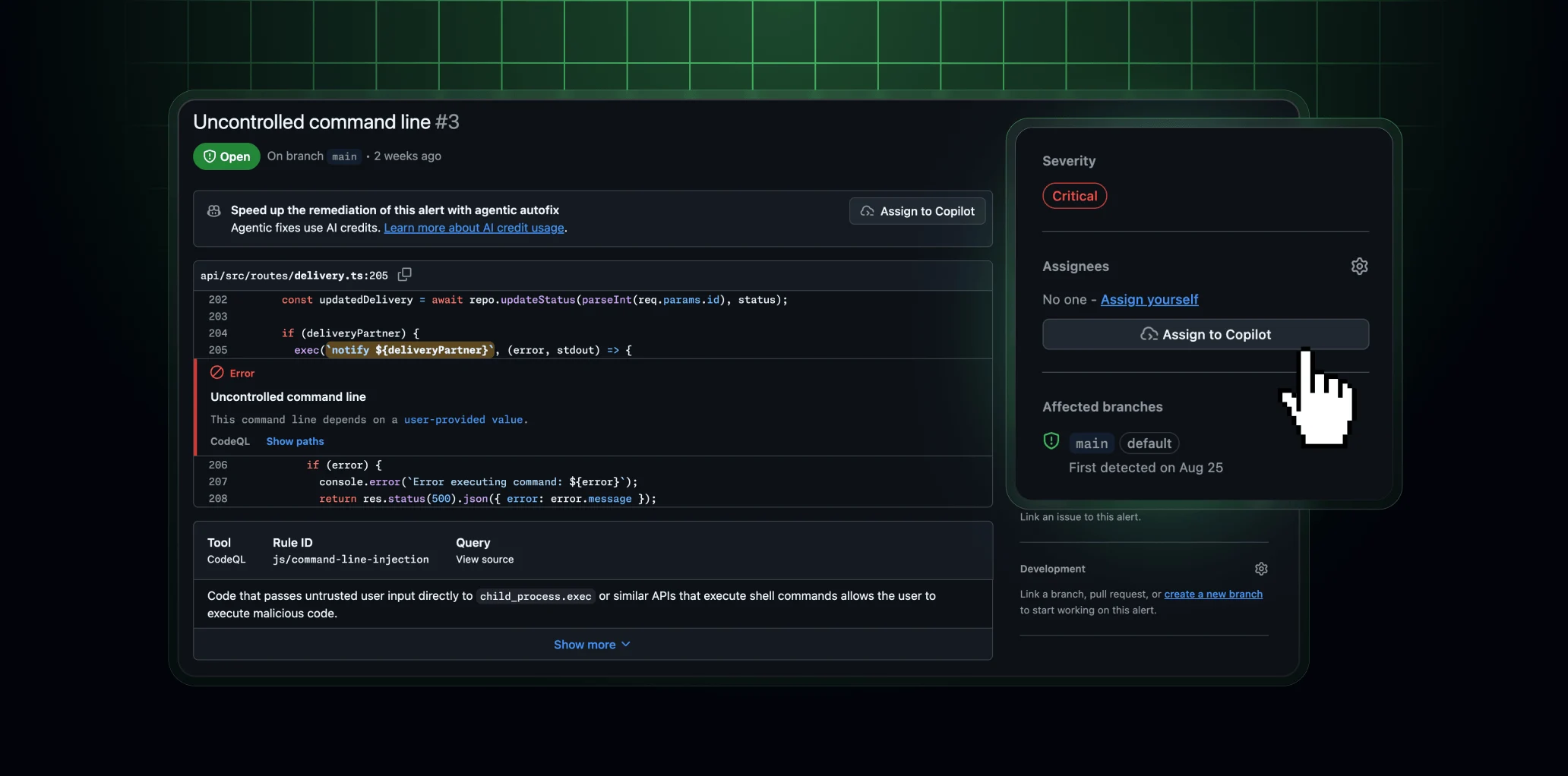
GitHub's security agent moves from an alert to a draft repair pull request. The release expands delegated remediation, with important differences in access, validation and billing from classic Copilot Autofix.
Anthropic OSS Scanner offers free scans to eligible open-source projects
How enrollment, offline build preparation, and incoming-report handling shape the maintainer’s workload with Anthropic’s free vulnerability-scanning service.